Creating a home office that is both relaxing and productive is essential for anyone working remotely or managing tasks from home. A well-designed workspace not only helps you stay focused but also reduces stress and mental fatigue. Here are some useful tips to help you craft a home office environment that supports your work and wellbeing.
Choose the Right Location
Selecting the best spot for your home office is crucial. Ideally, pick a quiet area with minimal distractions and natural light. A room with a door offers added privacy, which can help separate work time from home life. If space is limited, consider using a corner or a nook that you can dedicate exclusively to your work.
Prioritise Comfort with Ergonomic Furniture
Comfort plays a big role in productivity. Invest in a good ergonomic chair that supports your back and encourages proper posture. Pair this with a desk at the right height to prevent strain on your wrists and shoulders. If possible, use an adjustable desk to alternate between sitting and standing throughout the day.
Optimise Lighting
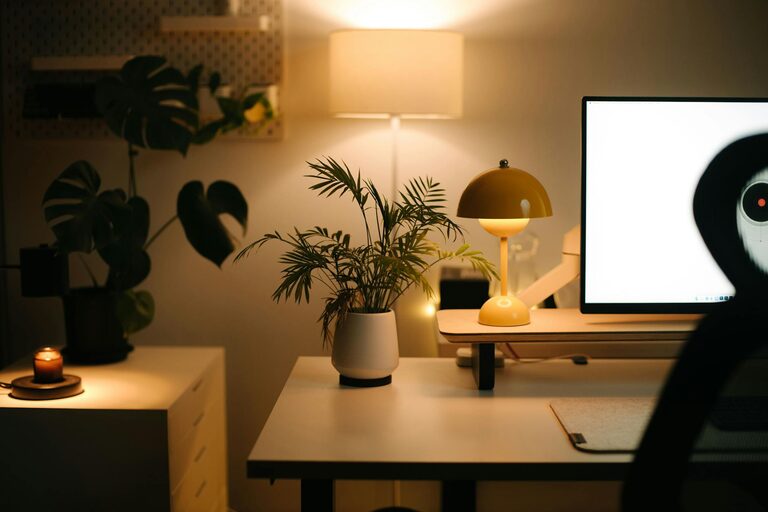
Good lighting reduces eye strain and enhances focus. Natural light is the best option, so position your desk near a window if you can. Complement this with adjustable artificial lighting, such as a desk lamp with a warm glow. Avoid harsh fluorescent lighting or glare from screens by using blinds or curtains.
Keep Your Workspace Organised
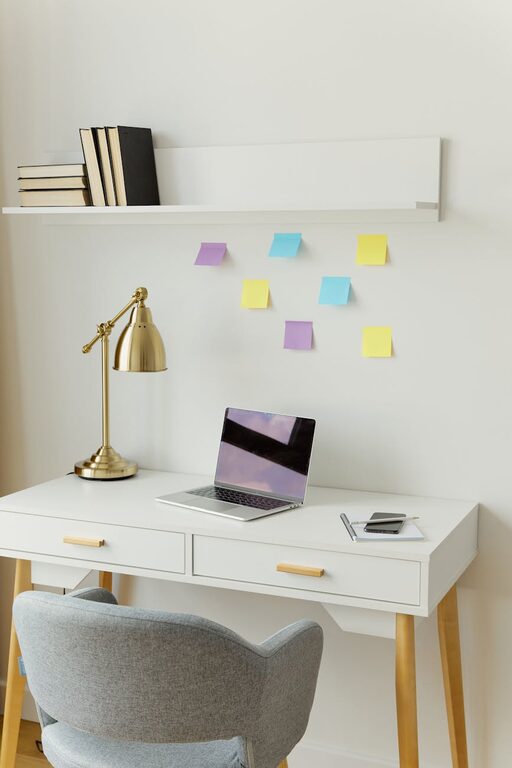
Clutter can hinder concentration and create stress. Use storage solutions like shelves, drawers, and organisers to keep your desk tidy. Regularly clear away unnecessary items and adopt habits like filing documents promptly and maintaining a clean surface.
Personalise Your Space
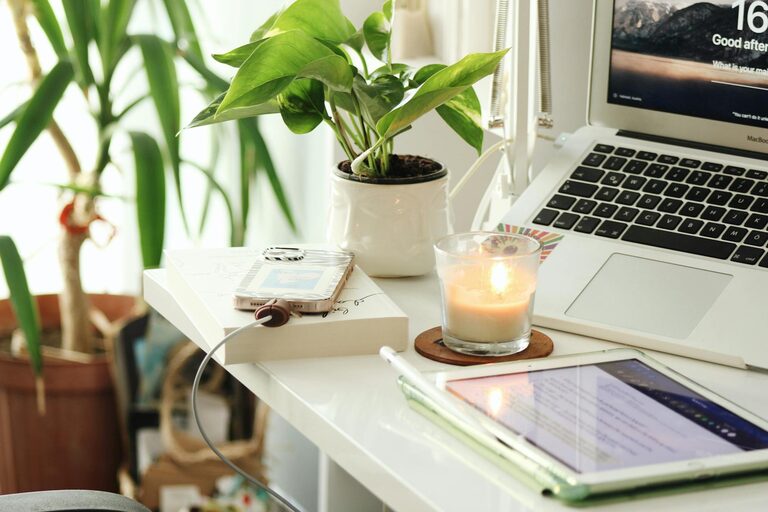
Adding personal touches can make your workspace more inviting and relaxing. Consider artwork, motivational quotes, plants, or items that make you smile. Greenery, in particular, has been shown to reduce stress and improve air quality.
Minimise Noise Distractions
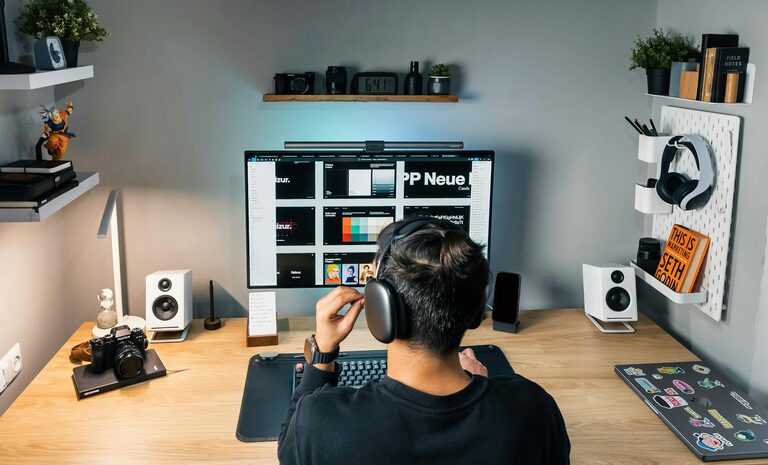
Background noise can disrupt concentration. If you live in a noisy environment, use noise-cancelling headphones or play soft instrumental music to help you focus. You might also add rugs, curtains, and cushions to absorb sound within the room.
Use Technology Wisely
Ensure your technology setup supports your work without causing frustration. A reliable internet connection, a suitable computer or laptop, and essential peripherals like a keyboard and mouse are basics to consider. Keep cables organised with clips or channels to avoid tangles.
Establish Boundaries and a Routine
Working from home can blur the lines between work and leisure. To stay productive and relaxed, set clear working hours and take regular breaks. Use a separate phone, email, or calendar for work to keep tasks distinct from your personal life.
Incorporate Relaxation Techniques
To maintain a calm environment, include elements that encourage relaxation. A small area for stretching or meditation, an essential oil diffuser, or calming colours on the walls can help create a peaceful atmosphere.
Maintain Good Air Quality
A fresh and well-ventilated room helps you feel alert and comfortable. Open windows when possible or use air purifiers. Avoid placing your desk too close to sources of dust or strong smells.
—
By combining these tips, you can design a home office that not only enhances your productivity but also provides a calming haven to work in. Remember, the best space is one tailored to your personal needs and preferences, so don’t be afraid to experiment and adjust your setup over time. Happy working!
About the Author