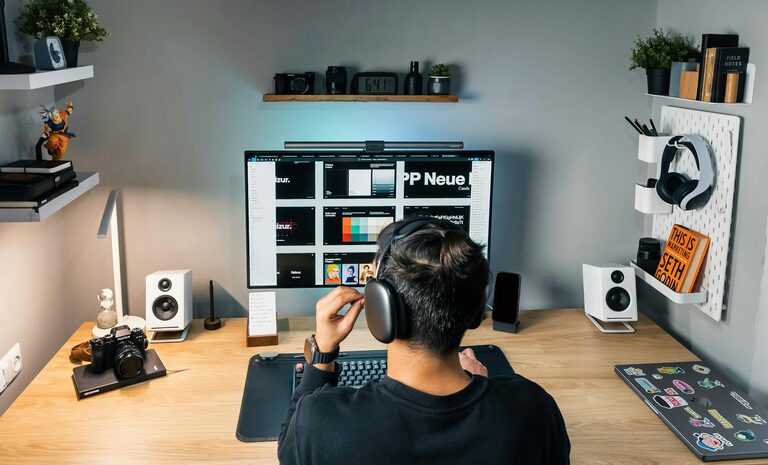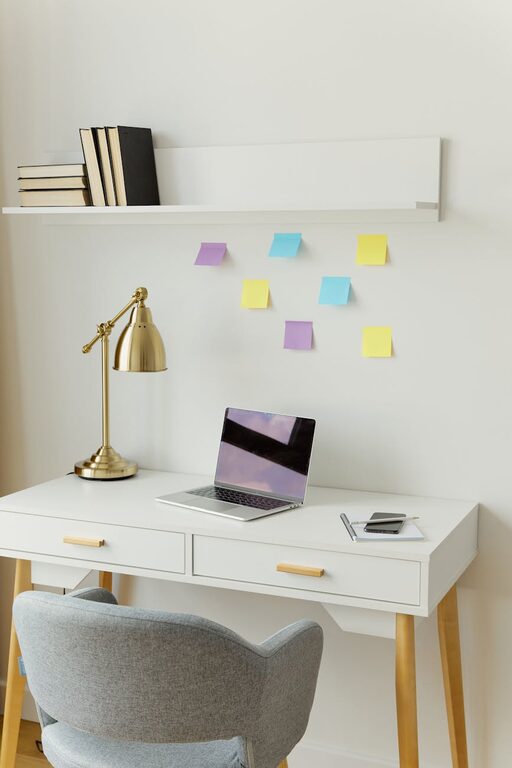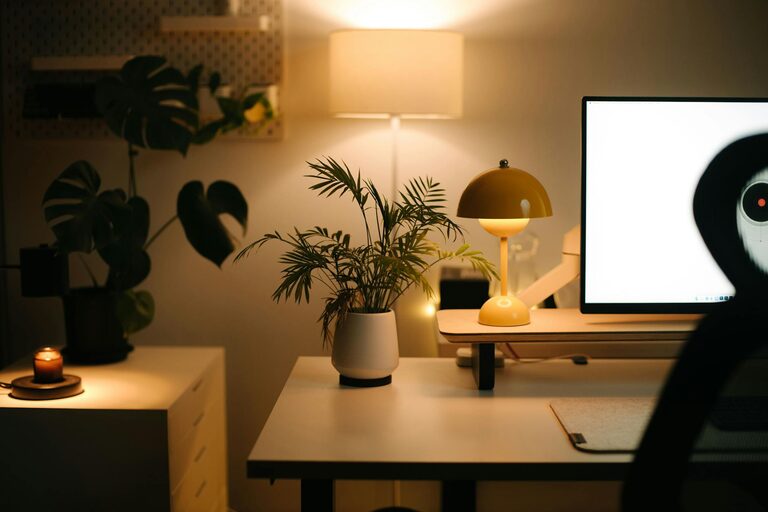
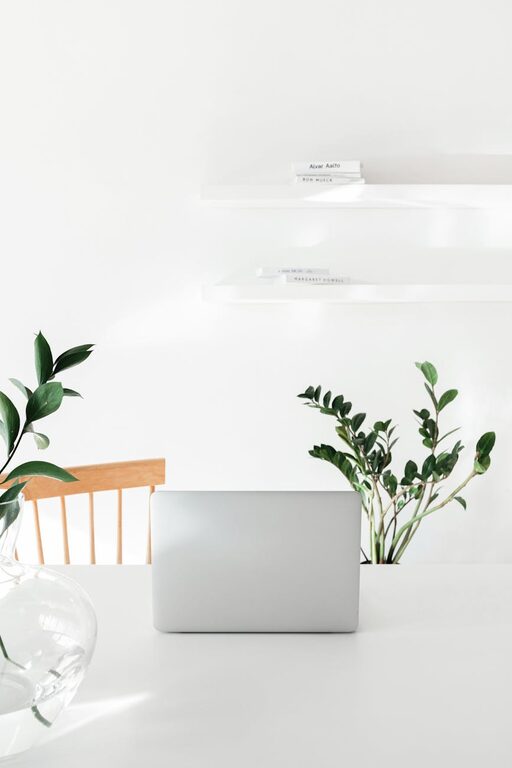
Creating a productive home office space is essential for anyone working remotely or spending a significant amount of time working from home. A well-designed workspace helps maintain focus, reduces distractions, and fosters better work habits. Whether you have a dedicated room or just a small corner, there are practical steps you can take to transform your home office into a comfortable and efficient area. This guide offers useful tips to help you create a workspace that truly supports your productivity.
Understand Your Needs and Space
Before setting up your home office, consider your specific work requirements and the space available. Ask yourself:
– What type of work will you be doing?
– What equipment and supplies do you need nearby?
– How much space do you realistically have for a desk and storage?
– Do you prefer a quiet room or something with natural light and views?
Knowing your answers will help you pick the right location and arrangement. If possible, choose a room or corner that minimises foot traffic and distractions.
Choose the Right Desk and Chair
Your desk and chair are the foundation of your home office comfort and productivity.
Desk
– Select a desk with enough surface area for your computer, paperwork, and other essentials.
– Consider adjustable desks or sit-stand desks to allow changes in posture during the day.
– Ensure the height of the desk fits you well to avoid strain.
Chair
– Invest in an ergonomic chair with good lumbar support and adjustable features.
– Your feet should rest flat on the floor, and your knees should be at a 90-degree angle when seated.
– A comfortable chair helps prevent back pain and fatigue.
Optimise Lighting
Good lighting is crucial to reduce eye strain and maintain alertness.
– Use natural light whenever possible by positioning your desk near a window.
– Avoid glare on your computer screen by angling your desk or using blinds.
– Include task lighting such as a desk lamp with adjustable brightness.
– Aim for a mix of ambient and focused light to create a balanced environment.
Keep It Organised
A clutter-free workspace helps keep your mind clear and focused.
Storage Solutions
– Use shelves, filing cabinets, or drawers to store documents and supplies.
– Label storage containers so you can easily find what you need.
– Keep only the items you use regularly on your desk to avoid clutter.
Daily Tidy Up
– Spend a few minutes at the end of each day to tidy your workspace.
– Clear unnecessary papers and organise your desk for the next day.
Minimise Distractions
Create boundaries that help separate work time from personal time.
– Use noise-cancelling headphones or play background music if ambient noise is an issue.
– Turn off non-work-related notifications on your devices.
– Inform family or housemates of your working hours to reduce interruptions.
Personalise Your Space
Adding personal touches can make your home office more inviting and motivating.
– Include plants to improve air quality and create a calming atmosphere.
– Hang artwork or photos that inspire you.
– Use colours that energise or soothe you, depending on your preference.
Set Up Technology and Connectivity
Reliable technology and internet connection are essential.
– Ensure your Wi-Fi signal is strong and stable in your home office area.
– Use cable organisers to keep cords neat and prevent tangling.
– Keep chargers, external drives, and other tech essentials within easy reach.
Incorporate Break Areas
If space permits, designate an area nearby for short breaks.
– Having a comfortable chair or small sofa allows you to step away from your desk.
– Use this space to stretch, read, or have a cup of tea—helping refresh your mind.
Maintain Good Posture and Movement
Long periods of sitting can affect your health and productivity.
– Take regular breaks to stand, stretch or walk for a few minutes.
– Consider using reminders or apps that prompt you to move.
– Adjust your monitor so the top third is at eye level, keeping your neck in a neutral position.
Establish a Routine and Schedule
A productive home office is also about managing your time effectively.
– Set clear working hours and stick to them to maintain work-life balance.
– Plan your day with prioritised tasks and regular breaks.
– Use calendars or task management tools to stay organised.
—
Creating a productive home office space takes some thoughtful planning, but the benefits are well worth it. By considering your needs, organising your environment, and maintaining healthy habits, you can build a workspace that supports your focus and well-being. Start small and adjust your setup as you learn what works best for you. With these tips, your home office can become a place where you thrive professionally and feel comfortable every day.
About the Author