Creating an efficient, clutter-free home office can make a significant difference in your work routine. A clean and organised workspace helps reduce distractions, enhances focus, and ultimately boosts productivity. Whether you work remotely full-time or occasionally need a dedicated area for tasks, these practical tips will guide you in setting up a home office that keeps clutter at bay and inspires your best work.
Why a Clutter-Free Home Office Matters
A cluttered desk or room can overwhelm your senses and make it challenging to concentrate. Visual chaos often leads to stress and lost time searching for important documents or supplies. By keeping your workspace organised, you create a calming environment that encourages creativity and efficiency.
Planning Your Home Office Layout
Choose the Right Location
Start by selecting a quiet, comfortable spot with good natural light, if possible. Having a dedicated space separate from your living areas will help mentally separate work from relaxation, which is crucial for maintaining balance.
Opt for Functional Furniture
Invest in a desk and chair that suit your needs and promote good posture. Consider desks with built-in storage or additional shelving to keep items off the surface but within reach.
Practical Decluttering Strategies
Sort and Prioritise
Begin by sorting through your office supplies, papers, and equipment. Keep only what you use regularly and find alternative spots for non-essential items. Use the “one-touch” rule where possible—handle each item once and decide its place immediately.
Categorise Storage
Group similar items together: stationery, documents, electronics, cables, and so on. Using storage containers or drawer organisers can help maintain this system and speed up finding what you need.
Smart Storage Solutions
Use Vertical Space
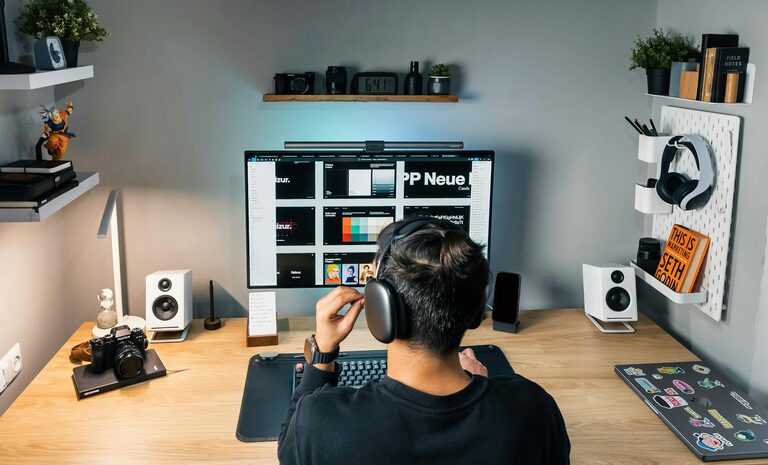
Wall-mounted shelves or pegboards free up desk space and keep important tools visible. Use hooks for headphones or bags, or small baskets for stationery.
Label Everything
Labels are invaluable for quickly locating items and knowing where to return them. This is especially useful for files, boxes, or drawers.
Manage Cables Efficiently
Tangled cables create visual clutter and can be a safety hazard. Use cable ties, clips, or boxes designed for cable management to keep cords organised and out of sight.
Maintaining an Organised Workspace
Develop Daily Habits
Spend five minutes at the end of each workday tidying your desk, filing documents, and putting away supplies. This practice keeps clutter from building up and starts each day fresh.
Limit the Number of Items on Your Desk
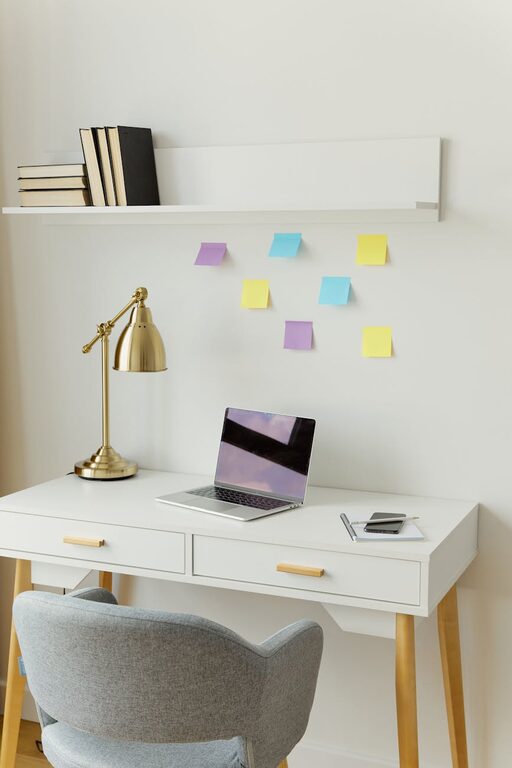
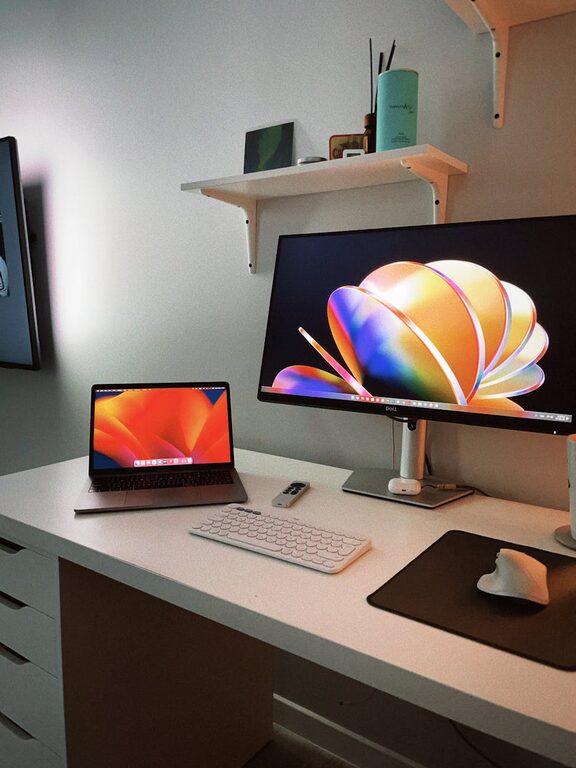
Aim to keep only the essentials on your desk during work hours—such as your computer, notebook, and a pen. Store or hide less frequently used items to maintain a clean look.
Digital Declutter
Remember to organise your computer files and emails regularly. Create well-structured folders and delete unnecessary files to improve efficiency.
Personalise Without Overdoing It
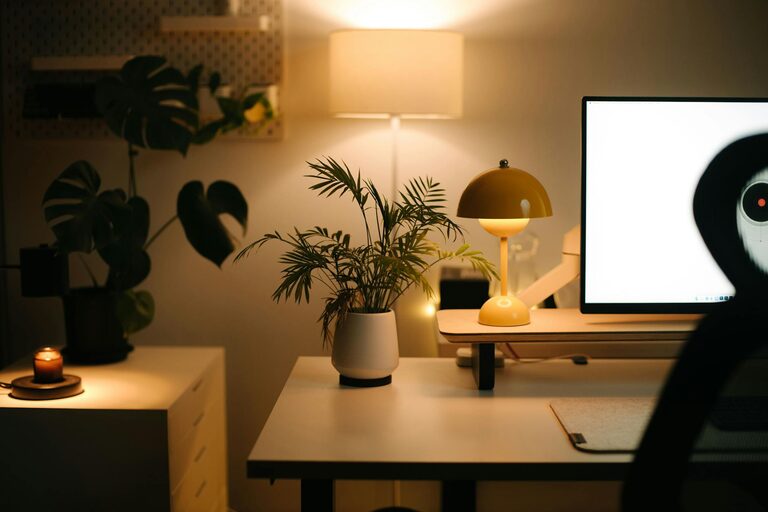
Adding a few personal touches such as plants, photos, or artwork can make your home office more inviting. However, keep decorations minimal to avoid distractions and maintain a neat atmosphere.
Conclusion
A clutter-free home office doesn’t just look better; it can improve your ability to focus, reduce stress, and increase productivity. By planning your layout thoughtfully, adopting smart storage solutions, and maintaining regular tidying habits, you’ll create a space that supports your work and wellbeing. Start small and gradually introduce these tips to enjoy a more organised and productive work-from-home experience.
About the Author